
Your security training has moved to Hook
For employees. What your new training emails look like, why some courses start over, and why links from your previous training system no longer work.
Your organization has moved its security awareness training to a new platform run by Hook Security. Here's what changes for you.
Training emails come from a new address
Training emails now come from training@hooksecurity.co, and their links open
pages on app.hooksecurity.co. The sender name is Hook Security, or your
organization's name if it has added its own branding. If you can't find an
email, check your junk folder.
Each email links straight to your course, with no password needed. A new course arrives in its own email. Training you hadn't finished in the previous system usually arrives in one email that lists every course with its own link and due date.
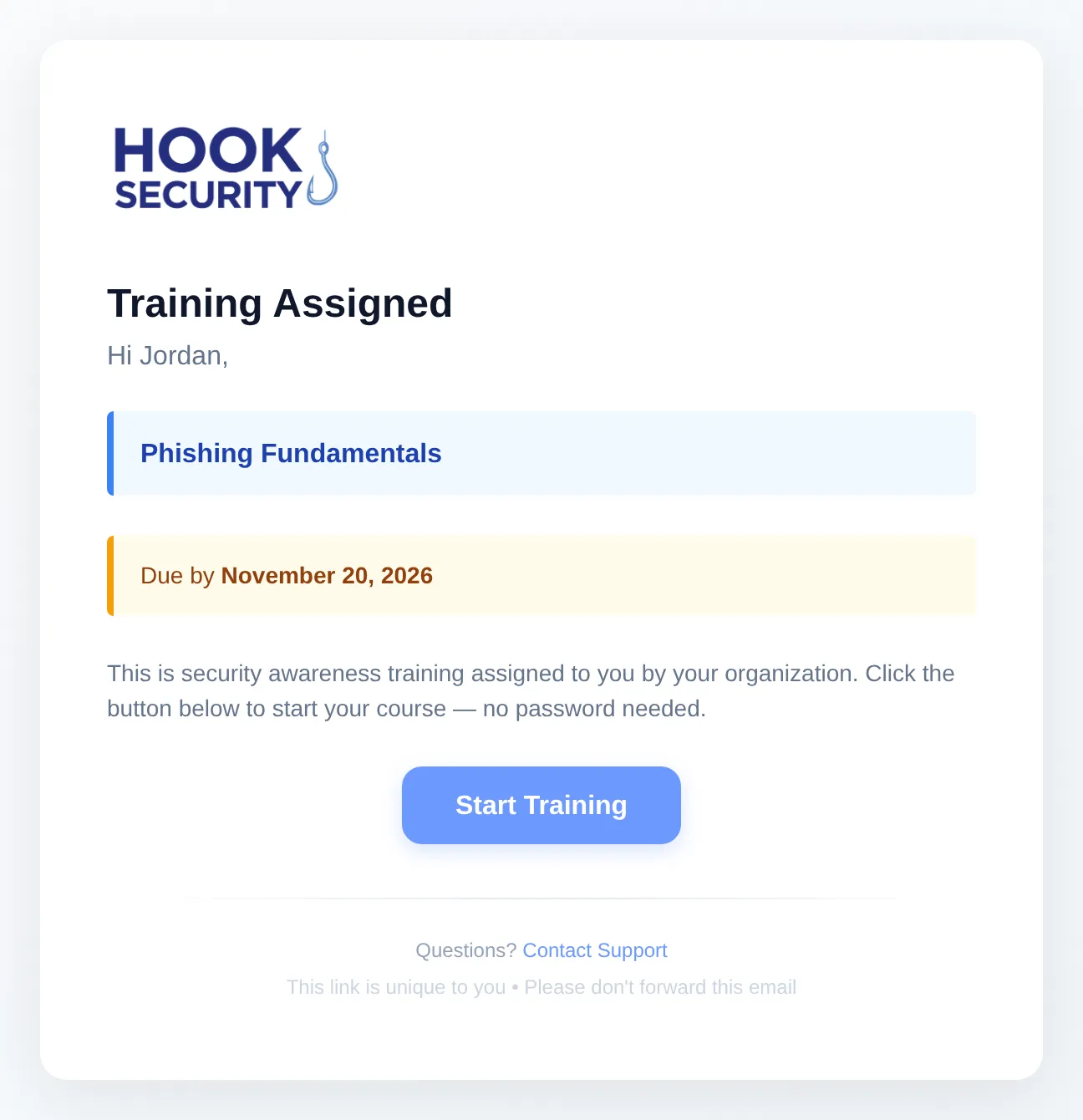
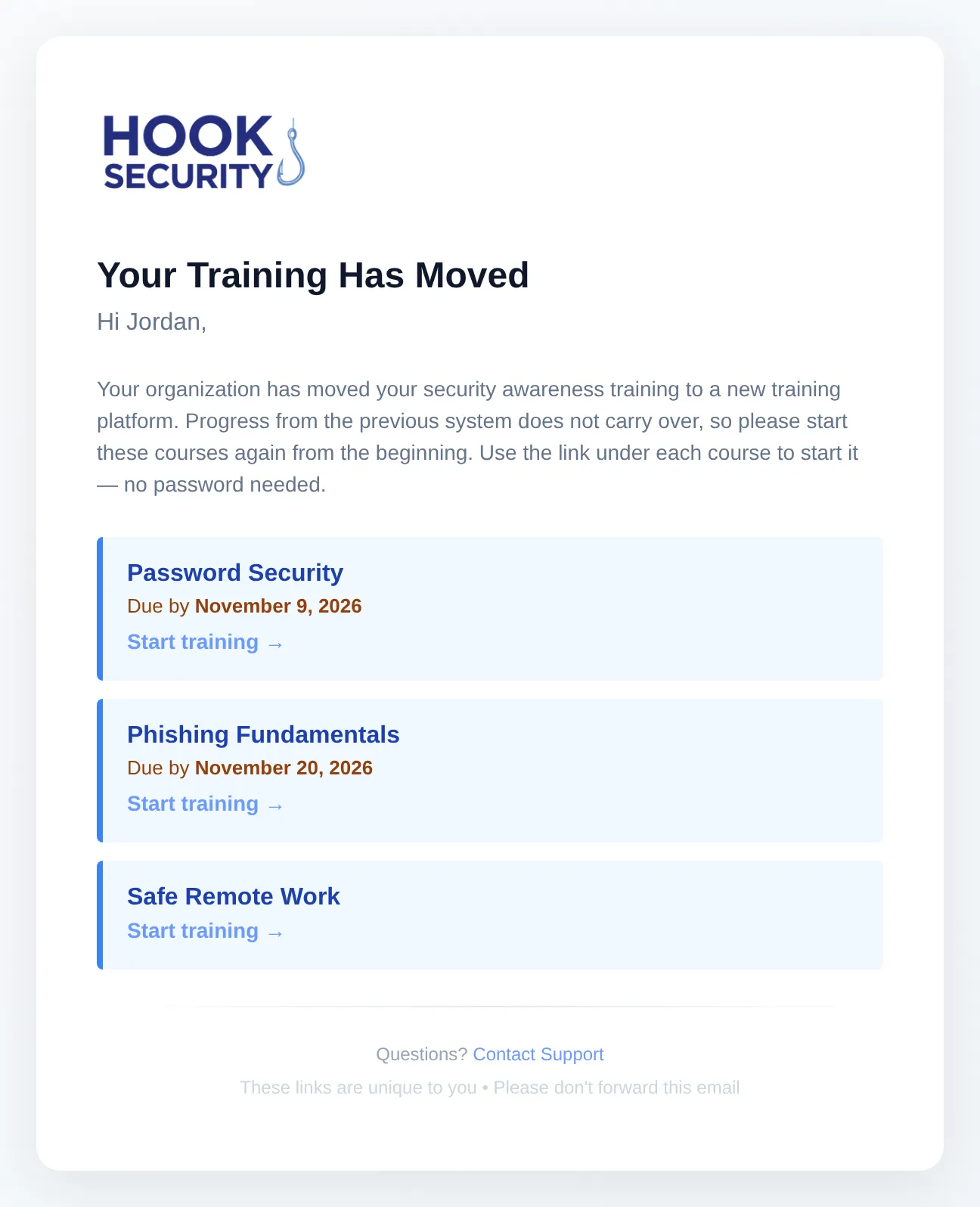
You also get reminders as due dates approach, and an email when you finish a course.
Unfinished courses start over
Progress from the previous system didn't carry over, so a course you started there starts again from the beginning. Courses you finished there aren't assigned again. If one is, because you finished it just before the move, tell your training administrator. They can mark it complete.
Old links no longer work
Links in emails from the previous system no longer open your training. Use the
newest email from training@hooksecurity.co instead. Hook's links also expire
after 30 days, and every reminder comes with a fresh one.
Take your course
Click the link in your email. If your organization uses single sign-on, sign in with your work account when asked. Your progress saves as you go, so you can stop and come back through the same link. When you finish, you can download your certificate from the course page.
The link is tied to you, so don't forward it. Anyone who opens it is recorded as you.
Questions
Contact the team that manages security training at your organization, usually IT or HR. The bottom of each training email shows where to send questions.